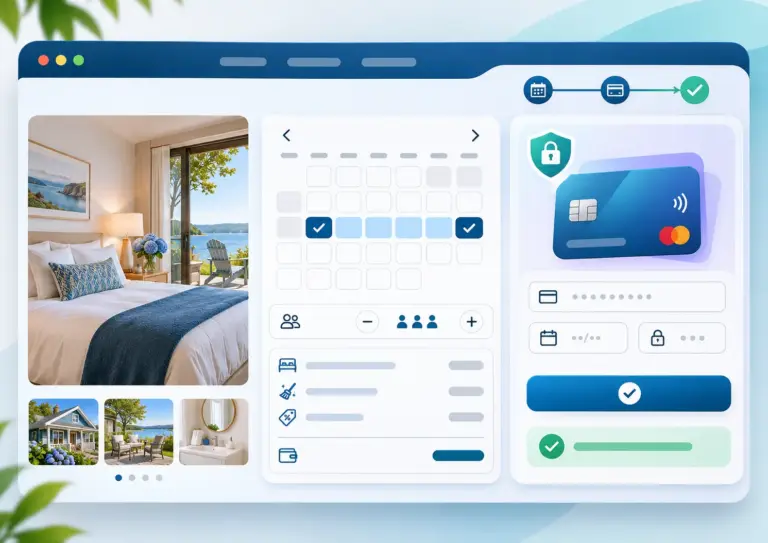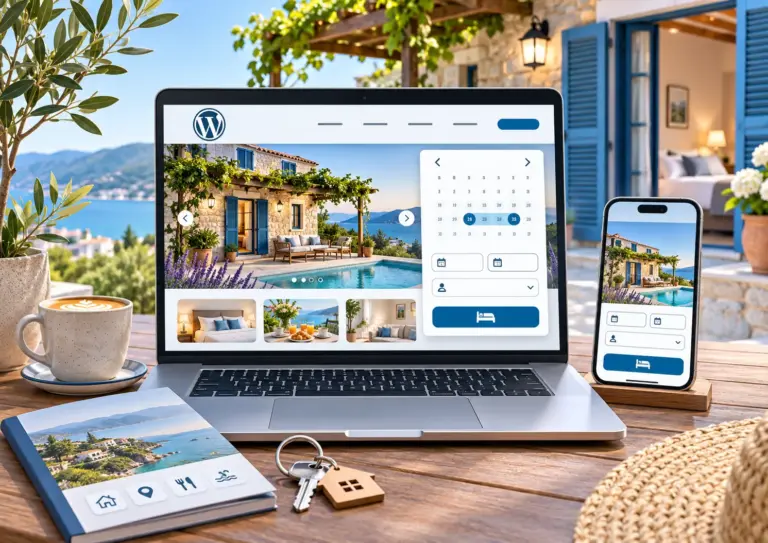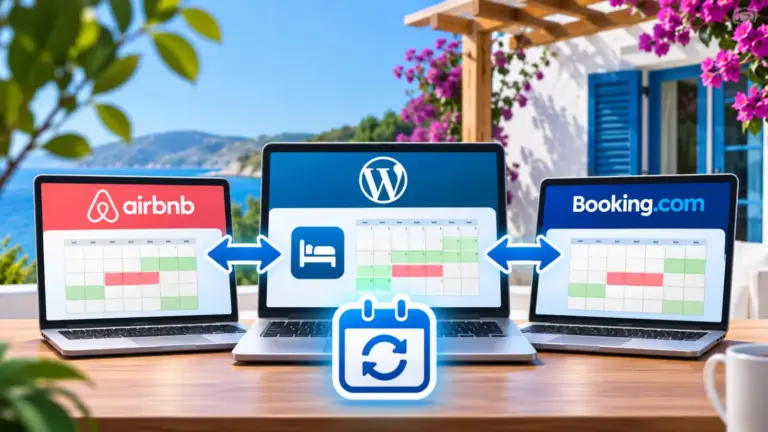

Do you want Want to receive payments for bookings for your B&B, hotel, vacation rental, or apartment without necessarily using Stripe or other online payment services?
With Host Domination Booking Engine FREE, the free WordPress plugin dedicated to accommodation facilities, you can configure the Offline Payments, provide guests with bank details for a transfer and manage personalized payment requests.
The feature is designed for those who want to receive direct bookings from their website, while maintaining the freedom to agree and manage payments with guests.
In this guide, we’ll look at how to activate the Bank Transfer, configure the bank details of individual facilities and use custom payment requests.
Offline payments on WordPress: what are they and how do they work?
Offline payments are payment methods that are handled outside of an online gateway, such as Stripe.
A common example is the Bank Transfer: The manager provides the guest with the necessary bank details and the customer makes the transfer using their bank.
With Host Domination Booking Engine you can use this method to manage payments for direct bookings, without having to activate a card payment system.
Among the possibilities offered by the functionality we find:
- Bank transfer: Provide guests with the bank details needed to make the payment.
- Different coordinates for structure: Set up specific bank details for each property or room.
- Custom requests: Send guests payment requests with personalized directions.
- Free version: use offline payments with Host Domination Booking Engine FREE.
It is a useful solution for vacation rentals, B&B, guest houses, small hotels and property managers who want to manage collections directly.
How to activate offline payments with Host Domination Booking Engine FREE
The configuration starts directly from the WordPress panel.
1. Install Host Domination Booking Engine FREE
If you haven’t installed the plugin yet:
- Log in to the WordPress dashboard.
- Go to Plugins → Add Plugins.
- Search Host Domination Booking Engine.
- Click Install and then on Activate.
Once installed, you can configure facilities, availability calendars, bookings, and Booking Engine settings.
2. Go to your payment settings
From the Host Domination Booking Engine panel, open the payment settings.
Locate the section Payments and options related to offline payments, or Bank Transfer.
From here, you can configure the information you want to use to receive payments by bank transfer.
3. Set up your bank details
Enter the information you want to share with guests to make the transfer.
For an Italian or European bank account, the data may include:
- Name of the beneficiary.
- IBAN of the current account.
- Any BIC/SWIFT code, if required.
- Additional instructions for making the payment.
For example, you can ask the guest to enter their reservation number in the reason for the transfer, so that you can more easily identify the payment received.
Suggestion: Always check that the coordinates entered are correct before communicating them to guests.
4. Set different bank details for each property
Do you manage multiple vacation rentals, apartments, or rooms belonging to different owners?
A particularly interesting feature of Host Domination Booking Engine offline payments is the ability to: Configure different bank details for each facility.
Imagine that you manage three apartments:
- Apartment Rome → owner’s IBAN A.
- Casa Vacanze Milano → IBAN of the owner B.
- B&B Florence → owner’s IBAN C.
This way you can keep the payment details of the different properties separate, without necessarily using a single bank account for all of them.
This is especially useful for Property managers, co-hosts and managers of multiple accommodation facilities.
5. Send personalized payment requests to guests
Not all bookings require the same type of payment.
In some situations, you may want to request a different amount from the total of the stay, or communicate specific instructions to a guest.
With the functionality dedicated to Custom Payment Requests, you can set up custom payment requests, such as:
- A deposit agreed with the guest.
- A remaining balance.
- An additional or custom amount.
Personalized requests allow you to adapt the communication of payment to the needs of the individual reservation.
Why choose bank transfer for direct bookings?
Bank transfer is still a practical solution for many accommodation facilities.
One of the main benefits is the ability to receive money directly into your account, without having to use a card payment gateway.
With offline payments, you can also:
- Avoid the processing fees typical of card payments, while considering any bank costs.
- Manage the payment terms agreed with the customer.
- Use different bank details for each facility.
- Request custom amounts when needed.
Important: An offline payment is not the same as an automatically verified collection. Before considering a reservation settled, always check the actual credit to the bank account.
Do you also want to receive online payments? Activate Stripe with the PRO version
If you prefer to offer guests the opportunity to Pay directly online by card, you can switch to Host Domination Booking Engine PRO.
The professional version includes integration with Stripe Checkout, which allows guests to make online payments during the booking process.
With Stripe, you can offer a more seamless payment experience, without having to manually submit bank details.
In addition, the functionality Multi-Stripe allows you to connect different Stripe accounts to individual properties, which is particularly interesting for those who manage properties belonging to different owners.
The main difference is simple:
- FREE: offline payments, bank transfers, and custom requests.
- PROS: online payments integrated through Stripe, in addition to the features of the free plugin.
Any fees charged by Stripe are independent of the cost of the PRO license.
Frequently asked questions about offline payments
Can I receive payments by bank transfer for free?
Yes. Host Domination Booking Engine FREE includes the ability to set up offline payments via bank transfer, without having to purchase the PRO version.
Can I use a different IBAN for each apartment?
Yes. You can set up different bank details for individual properties or rooms, which is useful when managing multiple properties or owners.
Can I send a custom payment request?
Yes. You can use custom requests to tell a guest a specific amount and payment instructions.
Is payment by bank transfer automatically confirmed?
No. The transfer is a payment outside the online checkout and its receipt must be verified through the bank account.
Can I accept credit card payments?
Yes, by using Host Domination Booking Engine PRO and activating the integration with Stripe.
Conclusion: Get paid with your free Booking Engine
You don’t need to start with a complex online payment system to manage your accommodation’s direct bookings.
With Host Domination Booking Engine FREE You can set up bank transfer payments, use different details for each property, and send custom requests to guests.
When you need a credit card checkout, you can activate Stripe by upgrading to the PRO version.
Download Host Domination Booking Engine for WordPress for free and start managing bookings and payments directly from your site.